AI Image Creation for Small Businesses
Canva AI, ChatGPT image generation and Midjourney explained for small businesses, with sensible advice on copyright, branding and consistency.
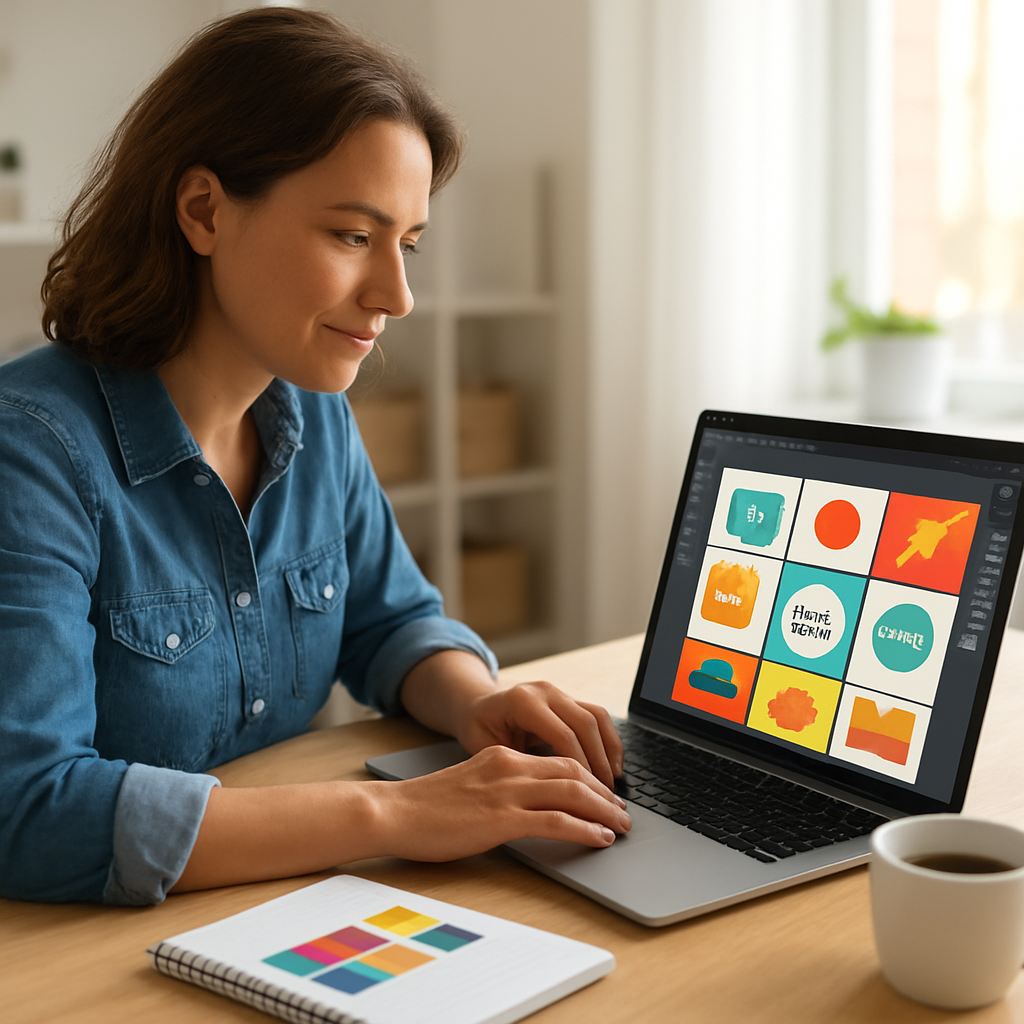
Good images used to mean either an expensive designer or hours fighting with software. AI has changed that. A small business owner can now create branded graphics, social media posts and illustrations in minutes.
But with that speed comes a few sensible questions about quality, branding and copyright. This guide covers the main AI image tools in plain English and how to use them well.
Why AI image creation is a big deal for small businesses
Most small businesses cannot justify a full-time designer, yet they still need a steady stream of images for social media, websites, flyers and presentations. That gap is exactly where AI image tools help.
Used well, they let you produce professional-looking visuals quickly and cheaply. Used carelessly, they can produce generic images that make your business look like everyone else. The difference is in how you use them.
Canva AI: the best starting point for most businesses
If you only try one tool, make it Canva. It is designed for people who are not designers, and its AI features sit inside a system that already handles templates, brand colours and sizing for every platform.
Canva AI can generate images from a text description, remove backgrounds, resize a design for different platforms in one click, and even draft text to go with your graphics. Because you can save your brand colours, fonts and logo, everything you make stays consistent.
For most small businesses, Canva is the practical choice because it combines AI with the everyday design tools you actually need.
ChatGPT image generation: great for quick ideas
ChatGPT can now generate images directly from a description. This is genuinely useful for quick concepts, illustrations and one-off visuals when you want something specific that stock photos cannot give you.
It is brilliant for brainstorming and for creating images that match an unusual idea. It is less suited to precise brand work, because it does not hold your exact brand colours and layout the way Canva does. Think of it as a fast idea generator rather than a full design system.
Midjourney for business: the high-end option
Midjourney produces some of the most striking AI images available. If you want artistic, high-quality visuals and you are willing to learn how to write detailed prompts, it is powerful.
The trade-off is that it has a steeper learning curve and less of the practical, everyday design structure that Canva offers. For most small businesses, Midjourney is worth exploring once you are comfortable with the basics, rather than as a first step.
Copyright: what every business should know
This is the part people skip, and it matters. A few sensible points:
- Check the terms of the tool you use. Each platform has its own rules about who owns the images you generate and how you can use them commercially.
- Do not assume every AI image is free to use for business. Read the commercial use terms, especially on free tiers.
- Be careful asking AI to copy a specific artist's style or to recreate recognisable brands, logos or famous people. That can create legal and reputational risk.
- Keep a note of how you created key images, in case you ever need to show your process.
You do not need a law degree. You just need to read the terms before you build your brand around a tool.
Keeping your branding consistent
Consistency is what makes a small business look professional. Random images in different styles make you look scattered, however good each one is on its own.
A few simple habits help: save your brand colours and fonts in Canva and apply them every time, choose one visual style and stick to it, and keep a folder of your best images to reuse and adapt. Consistency beats novelty when it comes to building recognition.
If you want your written content to feel just as consistent, our guide to AI content creation without losing your voice is a useful companion.
A simple workflow to get started
Start small. Pick one platform, usually Canva. Set up your brand colours, fonts and logo. Create a handful of templates for the posts you make most often. Then use AI to fill those templates with fresh visuals each week.
That gives you speed and consistency at the same time, which is exactly what a small marketing budget needs.
Frequently asked questions
What is the best AI image tool for small businesses?
For most small businesses, Canva is the best starting point because it combines AI image generation with brand colours, templates and easy resizing. ChatGPT is good for quick ideas, and Midjourney suits businesses wanting high-end artistic images once they are comfortable with prompts.
Can I use AI-generated images commercially?
Often yes, but it depends on the tool and the plan you are on. Always read the commercial use terms of the specific platform, particularly on free tiers, before using AI images in your marketing.
Are AI images copyright free?
Not automatically. Ownership and usage rights vary between tools, and some restrict commercial use on free plans. Check each platform's terms, and avoid copying specific artists, brands or recognisable people.
How do I keep AI images on brand?
Save your brand colours, fonts and logo in a tool like Canva and apply them every time. Choose one visual style and stick to it, and reuse a set of templates so your images stay consistent across platforms.
Do I need design skills to use AI image tools?
No. Tools like Canva are built for people who are not designers. If you can describe what you want and choose from templates, you can create professional-looking graphics with AI.
If you want practical help bringing AI image tools into your marketing, get in touch with GrowthZone AI. We will help you keep it simple, consistent and on brand.
Written by
Kaye Nicholson
Founder, GrowthZone AI · Bdaily Columnist
Kaye Nicholson is the founder of GrowthZone AI and a columnist for Bdaily, helping businesses, charities, founders and teams use AI in simple, practical ways without jargon or overwhelm.
Book a short AI chatFound this helpful? Share it:
Reader feedback
Got a view on this week's AI Reality Check? Join the conversation on LinkedIn or send your thoughts directly.
Get the AI Reality Check weekly newsletter
Weekly practical AI updates for UK businesses: what changed, what it means, and what to watch next.
Want help with AI for your marketing?
Get practical, plain-English support with AI image tools for your business. Get in touch.
Get in touch