
How I Use AI Automation to Run More of My Business Without Losing the Human Touch
GrowthZone AI started with a few small AI workflows. Today, three AI assistants, connected systems and automated marketing, newsletters, proposals and CRM processes help one person run far more of the business — while keeping human judgement firmly in control.
What does AI automation actually mean in a small business?
AI automation means using AI and connected software to carry out repeatable parts of a business process with less manual intervention, while keeping people responsible for the decisions, checks and relationships that matter.
I'm a one-person business.
But if you looked at everything GrowthZone AI now produces and manages in an average week, you might reasonably assume there were rather more of us.
There aren't.
What's changed is the amount of repetitive work I personally have to do.
I've gradually built AI and automation into the business so that different tools now help me with marketing, sales, content, newsletters, proposals, administration and keeping information moving between systems.
I've got three AI assistants.
I've automated parts of my social content.
I've automated much of my newsletter process.
I've connected more of the work surrounding HubSpot.
My proposal process is increasingly automated.
And I'm using multiple AI tools across my stack rather than expecting one enormous piece of software to run everything.
But I didn't build all of that on day one.
I started small.
That's probably the most important part of the story.
What does AI automation actually mean in a small business?
AI automation means using AI and connected software to carry out repeatable parts of a business process with less manual intervention, while keeping people responsible for the decisions, checks and relationships that matter.
For me, automation isn't about pressing a button and disappearing.
It's about removing unnecessary copying, retyping, reformatting, remembering and moving information around.
Those tiny pieces of work don't always look significant individually.
But when you're running a business on your own, they add up very quickly.
I use more than one AI tool — and that's the point
There is a strange idea in the AI world that you're supposed to choose one tool and somehow run your entire company inside it.
That isn't how I work.
I use a stack.
Different tools are good at different things.
One environment might be better for thinking and working through projects.
Another might help with research.
Another might sit closer to a particular workflow.
HubSpot has a role.
My AI assistants have roles.
My content systems have roles.
My automation tools have roles.
The useful bit isn't having lots of logos on a subscription page.
It's getting those tools to work together around the way the business actually operates.
I don't want to open five systems and manually copy the same information between them every time something happens.
Where it makes sense, the workflow should move that information for me.
If you're wondering how AI tools actually connect to other business systems, I've explained APIs, MCP and integrated AI automation separately in plain English in what are MCPs and APIs?
How does HubSpot fit into the workflow?
HubSpot is an important part of my business stack, but that doesn't mean I want to spend my day manually updating it.
A CRM is useful when the information inside it stays useful.
The problem for a small business is that keeping every record, activity, follow-up and piece of information up to date can itself become another job.
That's where connected workflows help.
Information created or approved elsewhere can potentially feed into the right part of the process without me having to stop what I'm doing, open HubSpot and manually recreate every step.
The important point isn't:
"How do I automate HubSpot?"
It's:
"Which parts of this process am I repeatedly doing by hand that a system could handle safely for me?"
That's a much better place to start.
What have I automated in GrowthZone AI?
Not everything.
But enough to make a substantial difference.
Three AI assistants
I currently use three AI assistants for different areas of the business.
They are there to support defined jobs rather than act as one all-knowing artificial employee.
That's important.
Giving an assistant a clearer purpose, the right information and sensible boundaries makes it much more useful than throwing every business task into one giant chat.
Social content
I can create, develop and move social content through a much more repeatable process than I could previously.
That doesn't mean AI decides what GrowthZone AI thinks.
It doesn't.
The ideas, opinions, experience and final decisions remain mine.
What AI can help with is the work around those ideas:
- structuring
- adapting
- repurposing
- formatting
- preparing
- organising
- moving content into the next part of the workflow
That lets me be more consistent without needing to spend every working day manually producing individual pieces of content.
If you run a small marketing function, I've written more about this in how can a small marketing team in the North East use AI without losing its brand voice?
Newsletters
My newsletter process has also become increasingly automated.
Again, automation doesn't mean publishing unchecked AI output.
It means the repeatable parts of getting information from one stage to another can happen more efficiently.
I still care about what goes out under my name.
I still check it.
But I don't need to perform every administrative step manually.
Proposals
Proposals are another obvious example.
If you've already gathered the right information during a conversation, why should somebody have to start again with a blank document?
A sensible workflow can help organise the information, build the structure and prepare a proposal for review.
I still decide:
- whether the recommendation is right
- whether the price is right
- what should be included
- whether the tone is right
- whether I'm actually prepared to put my name to it
The automation supports the work.
It doesn't own the commercial decision.
CRM and sales administration
Sales is probably one of the clearest places to see the difference.
I don't want AI replacing conversations with people.
I do want it reducing the administrative work around those conversations.
A well-designed workflow might eventually look something like:
conversation happens
→ relevant notes are captured
→ actions are identified
→ CRM information is updated
→ follow-up is prepared
→ proposal information is assembled
→ I review it
→ the next human interaction happens
That gives me more time for the parts of sales that actually need me.
I've explored this balance in more detail in how can a small sales team use AI without automating the human out of selling?
Isn't this what a marketing or sales team would normally do?
Some of it, yes.
And that's why this matters so much for very small businesses.
I'm now able to maintain parts of a marketing operation, sales operation, content operation and business-development process that would traditionally require considerably more human capacity.
That doesn't mean AI has magically made me into five people.
There is still only one of me.
What it has done is remove enough of the repetitive workload that I can spend more of my time on the things that actually require Kaye.
Things such as:
- meeting people
- understanding a client's business
- teaching
- speaking
- building relationships
- making commercial decisions
- developing ideas
- checking quality
- applying nearly three decades of business experience
That's a much better use of my time than copying information from one box into another.
Did I automate everything at once?
Absolutely not.
GrowthZone AI's current setup has been built gradually.
A small workflow worked.
Then another one made sense.
Then I connected something else.
Then I saw where the next bottleneck was.
That's how I think small businesses should approach automation.
You don't need to walk into work on Monday and announce:
"We're automating the company."
Pick one thing.
Understand it.
Improve it.
Test it.
Make sure the result is reliable.
Then decide whether the next thing is worth doing.
This is the same point I keep coming back to in AI isn't the problem — misalignment is: fix the process before you add the technology.
What should a small business automate first?
Start with something that is:
- repeated frequently
- relatively predictable
- currently taking more time than it should
- low enough risk to experiment with
- easy for a human to check
Good candidates might include:
- transferring approved information between systems
- meeting-note processing
- routine internal documents
- content repurposing
- standard follow-up preparation
- proposal preparation
- recurring reports
- task creation
- document organisation
Do not start with the most important, dangerous or irreversible decision in your business.
What shouldn't you automate?
Just because something can be automated doesn't mean it should be.
I would be particularly careful around:
- sensitive decisions
- confidential data
- financial approvals
- legally significant actions
- high-risk customer communications
- anything where an error could create a serious consequence
And there are things I simply don't want to remove the person from.
Relationships are one of them.
Judgement is another.
Does automation mean giving AI control of your business?
No.
At least, it shouldn't.
Good automation has boundaries.
You decide:
- what information the system can access
- what it is allowed to do
- what requires approval
- what happens if something fails
- who checks the result
- who remains responsible
For many small businesses, the best automation still has a human checkpoint before anything important happens.
The real benefit for me is consistency
Saving time matters.
But one of the things I value most is consistency.
When you're a one-person business, everything depends on you remembering to do everything.
That is difficult.
Automation means some of the routine parts of the business happen in the same way each time.
The brand is more consistent.
The process is more consistent.
The follow-up is more consistent.
The information is easier to keep organised.
And I don't have to carry every single task around in my head.
AI gives me capacity, not another version of me
This is probably the simplest way I can explain it.
I haven't used AI to create an artificial Kaye.
I've used it to create more capacity around the real one.
That means I can spend more time with clients.
More time teaching.
More time speaking.
More time thinking.
More time actually running the business.
And less time doing the repetitive administration surrounding all of those things.
For a one-person business, that is enormously valuable.
GrowthZone AI in practice
One person. Three AI assistants. Connected marketing, newsletter, CRM, proposal and content workflows.
The point isn't the number of tools. It's that each one has a job, and the repetitive work between them increasingly happens without me having to manually rebuild the same information every time.
Could this work in another small business?
Yes.
But your automation shouldn't look exactly like mine.
Your business doesn't work exactly like GrowthZone AI.
A construction company has different processes.
A marketing agency has different processes.
A manufacturer has different risks.
A salesperson has different workflows.
A charity handles different information.
That's why copying somebody else's technology stack is rarely the right starting point.
Start with your own work.
Where does the time go?
What gets copied?
What gets forgotten?
What happens repeatedly?
What do you wish happened consistently without somebody having to remember it?
Then we can talk about technology.
If you'd like a structured way to think about where you stand, it's worth reading how to know if your business is ready for AI and taking the AI Readiness Scorecard.
Quick answer: How can a small business start using AI automation?
Start with one repeatable, low-risk process that currently involves unnecessary manual work. Map what happens now, decide what should remain human-controlled, then introduce the simplest automation that genuinely removes work. Test it before connecting more systems.
Quick answer: Do you need lots of AI tools?
No. Some businesses need one or two tools; others benefit from a connected stack. The goal isn't to collect software. It's to choose the right tools for clearly defined jobs and make them work together where that saves genuine time.
Quick answer: Can AI automation help a solo business?
Yes. For a solo business, AI automation can create capacity by reducing repetitive administration across marketing, sales, content, CRM activity, proposals and internal workflows. Human judgement, approval and relationships should remain with the business owner.
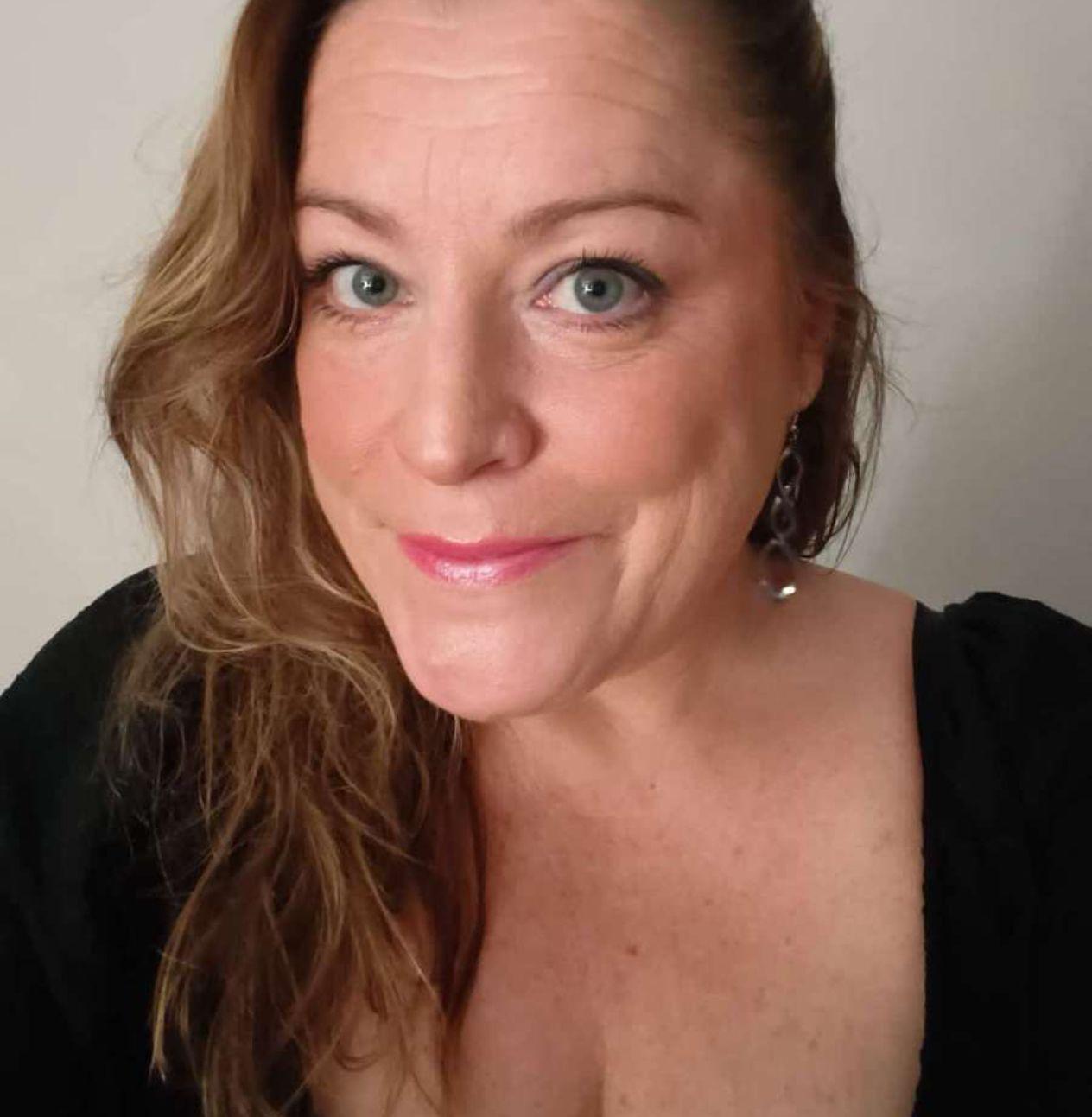
Written by
Kaye Nicholson
Founder, GrowthZone AI · Bdaily Columnist
Kaye Nicholson is the founder of GrowthZone AI and a columnist for Bdaily, helping businesses, charities, founders and teams use AI in simple, practical ways without jargon or overwhelm.
Book a short AI chatFound this helpful? Share it:
Reader feedback
Got a view on this week's AI Reality Check? Join the conversation on LinkedIn or send your thoughts directly.
Get the AI Reality Check weekly newsletter
Weekly practical AI updates for UK businesses: what changed, what it means, and what to watch next.
Already know the process that's causing the problem?
An Automation Starter or focused build can turn one or two repetitive workflows into something your business can use every day. Explore Process Automation.
Get in touch